
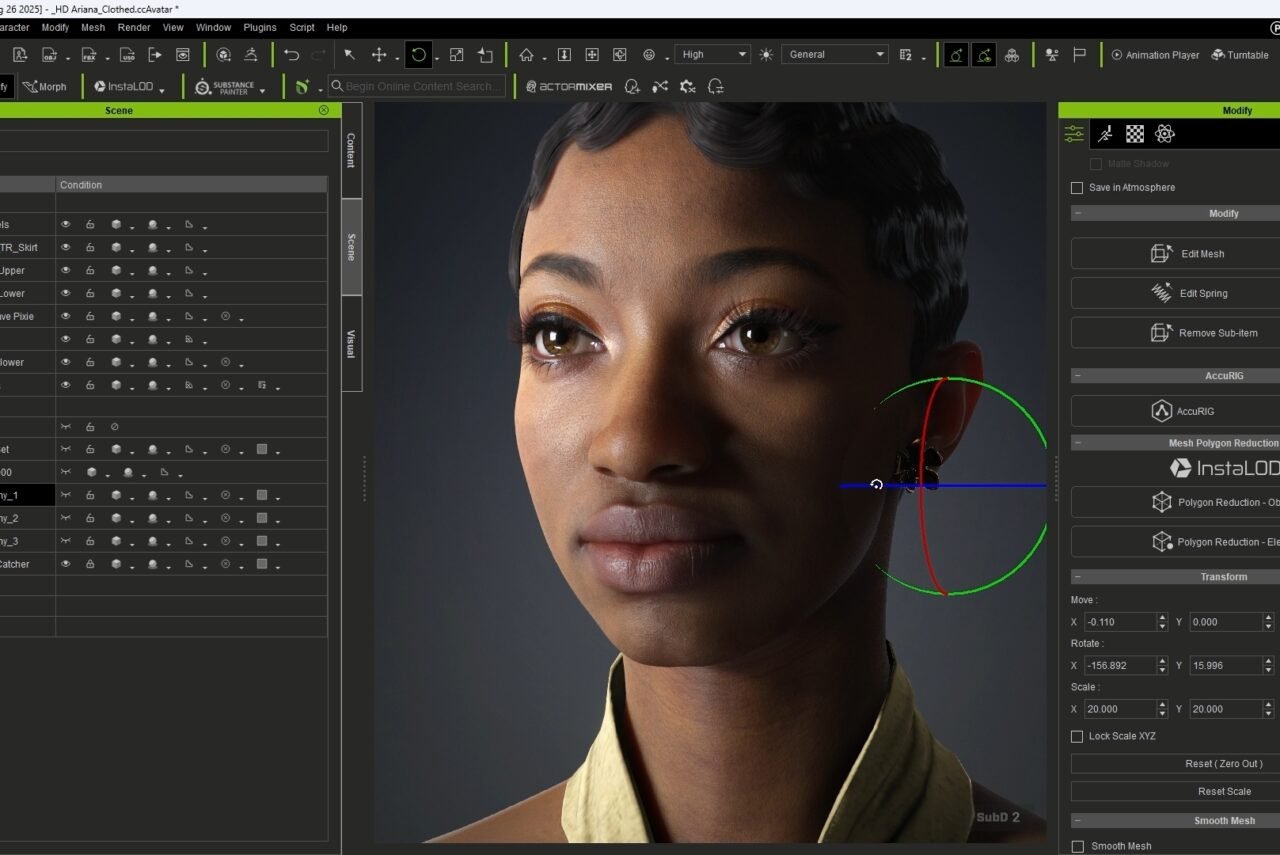
Character Creator 5: From Beginner to Creator

Instructor
Don Hileman
Reviews
Course Overview
A 5-hour eLearning course for beginners to learn the essential skills in Reallusion’s Character Creator 5 (CC5), from interface navigation to producing a fully realized 3D character ready for various pipelines.
Target Audience
- Beginners to CC5 and 3D character creation
- Creative professionals expanding into character design
Learning Outcomes
- Navigate the CC5 interface
- Create and customize characters using morphs, textures, and shaders
- Design clothing and accessories with layered clothing and mesh editing
- Rig characters with AccuRIG
- Import, export, and optimize for different platforms
- Produce a complete character as a capstone
Course Structure
Module 1: Getting Started (45 min)
- Introduction to Reallusion Hub, install, and features
- Introduction to CC5 capabilities, ecosystem, installation
- Interface navigation: tools, panels, viewport, customization
- Exercise: Set up a personalized workspace
Module 2: Character Creation Fundamentals (60 min)
- Starting with templates and character types (Game Base, Realistic, Stylized)
- Morphing basics: sliders, facial fine-tuning, body proportions
- Exercise: Create a unique character using morphs
Module 3: Texturing and Materials (60 min)
- Material system, skin textures, Texture panel, skin shader settings
- Eyes, hair customization, makeup/scars/tattoos
- Exercise: Texture face and features
Module 4: Clothing and Accessories (60 min)
- Clothing libraries: categories, applying items, mixing outfits
- Fit adjustments, materials, layered clothing, basic mesh edits
- Exercise: Build a complete outfit
Module 5: Rigging with AccuRIG (45 min)
- Rigging fundamentals and AccuRIG workflow
- Setup, run, test, and adjust rig
- Exercise: Rig a character for animation
Module 6: Exporting & Optimization (30 min)
- Export formats (FBX, OBJ), settings per platform
- Real-time optimization, LOD, texture compression
- Exercise: Export for a target platform
Module 7: Capstone Project (60 min)
- Guided creation of an original character
- Step-by-step workflow, troubleshooting
- Final showcase
Assessment & Materials
- Quizzes per module
- Hands-on exercises throughout
- Capstone project
- Downloads: cheat sheets, shortcuts, references